Table of Content
- General
- Product profile
- Connect
- Comparison
- Warnings
- Synchronization
- Table to Table Mode
- Query to Table Mode
- Query to Query Mode
- File to Table Mode
- File to Table, Fixed width
- Excel to Table Mode
- Database Mode
- Synchronous Navigation
- Face-to-Face View
- Key Definition
- Column Mapping
- Settings
- Project Properties
- Script Viewer
- Command Line
- Console Mode
- Process Cancellation
- Comparison Report
- Report Customization
- Collate Window
- Table List Menu
- Run SQL statement
- SQL Console
- Hot Keys
- Information
Product Settings
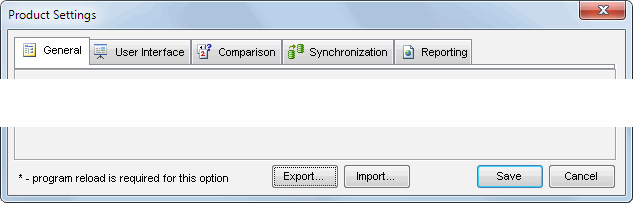
The program has some settings and options aided to make your work more comfortable. There are five settings group:
The user can switch between groups using tab control:
Notes
- The options marked by [*] require the program stop and reload to take effect.
- "Export" and "Import" buttons help the user to backup settings or even copy them to another PC.
See also: Project Properties.