Table of Content
- General
- Advanced
- Additioal Information
Record Filter
Record filter dialog allows you to build or to modify WHERE clause for table currently selected.
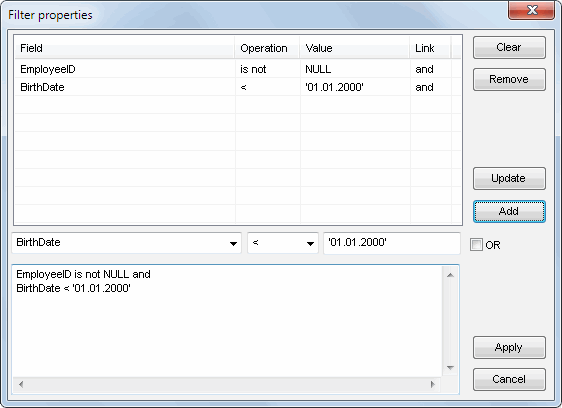
The program saves the filter information either for the current session or between sessions.
You can temporarily disable a filter using the options window
If a filter is enabled for the current table, the corresponding icon on the toolbar is displayed as pressed.