Table of Content
- General
- Advanced
- Additioal Information
Linked fields selection
This dialog allows you to specify the field that will explain the primary key value of the table.
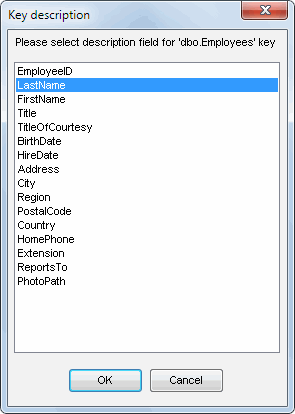
If you specify a "key description field", it will be displayed in a combo box on the edit form along with the key value explaining what it means.
For example, if you have a reference table with two fields (CustomerID - an integer, which is the primary key and CompanyName - a field of the CHAR type with the description of the key), values in the combo box will look like this: 12 (Around the Horn), where 12 is a key value while "Around the Horn" is a description explaining what it means.