Table of Content
- General
- Advanced
- Additioal Information
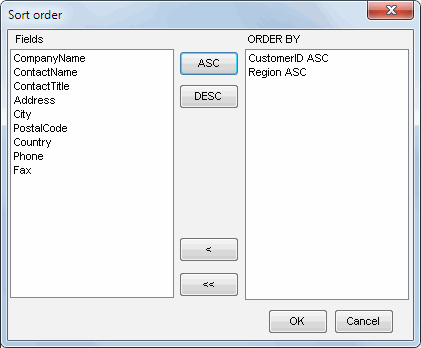
Sort order dialog
This dialog allows you to select columns for ORDER BY clause.
If a sort order is enabled for the current table, the corresponding icon on the toolbar is displayed as pressed.
The data editor saves the sort order information either for the current session or between sessions.
See also: view options.