Product Home
DTM Data Generator Online Documentation
General
Product Profile
Product Versions
Quick Start
Rule Wizard
System requirements
Connect to Database
Execution
Fill Table
Table Fill Modes
Table Fill Options
Row count management
Fill Methods
Method options
Random values
Values list
From table
List from file
From Values Library
Incremental
By mask
By SQL statement
By formula
Field groups
Data Preview
Table Information
Advanced
Data Rule Properties
Project Properties
Tables Selection
Program Settings
File Structure
Values Library
Clear Rule
Project migration
Command Line
Performance Tips
Schema Viewer
Format Strings
Tables Creation Options
Select column
Objects Creation
Data export
How to...
Tools
Random BLOB Loader
Values Library Builder
Additional Info
Product Ordering
Database Utilities
Licence agreement
Demo version
Install
Uninstall
Upgrade
Support
Glossary

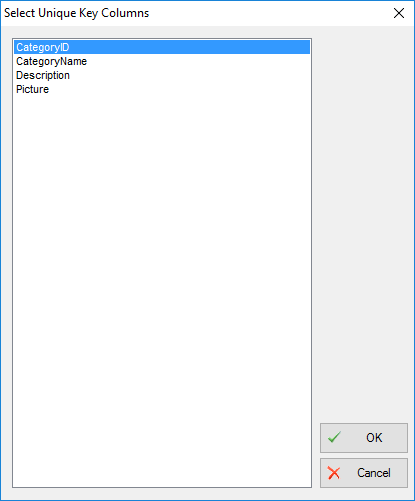
Select columns for search records

This dialog allows you to select column(s) for search records. You can use it with 'Update' and 'Scramble' modes only if your source table has not Primary Key or if you want to search records by another column(s).