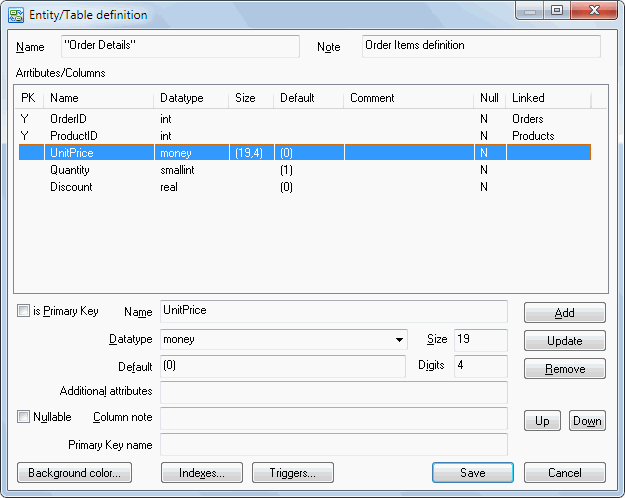
The entity properties editor allows you to edit all important table (entity) characteristics: its name, note and column (attribute) list. Moreover, "indexes" and "triggers" buttons provide an easy way to edit objects associated with the current table.
The program allows you to assign the following characteristics to each table column:
its name, data type, column size, default value, nullable property, comment and
additional attributes like the text of the check constraint or some other DBMS-specific information.
If there is a connection to the database, DTM Data Modeler allows you to select the data type from the list box.
Otherwise, you should type it manually.
By default, migrated fields are not available for editing. If you want to change this option and make them editable, use the corresponding checkbox in the settings dialog box. When the relationship that created migrated columns is deleted, these columns are also removed from the child entity.