Table of Content
- General Information
- Rules
- Additional Information
Records Mode Selection
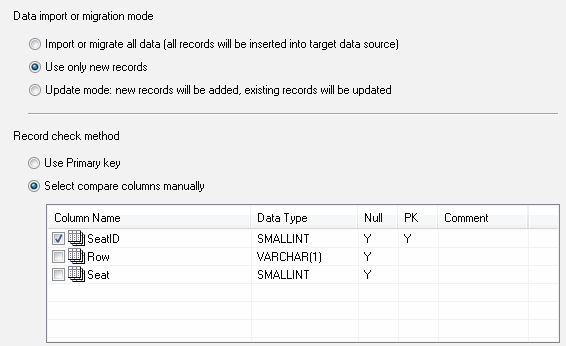
There are three ways to import or migrate source records: insert all records (by default),
insert only new records and update records (new ones are inserted and existing ones are updated).
There are two ways to make the program correctly find an existing record or detect a new one: use
primary keys or search by user-specified column(s). We recommend that you use the second way only
when the target database does not support primary keys (like Excel) or the target table has no primary key.
Note that you specify the columns for searching in the source table. The program will use mapping
to find the corresponding target columns.