- Product Profile
- Data Verification
- Data Scrubbing
- Rule Editor
- Connect
- Types of Data Checks
- Actions
- Cleaning Script
- Execution Console
- Report Viewer
- Key Selection
- Project Properties
- Project Report
- Command Line
- Console Mode
- Log Viewer
- How to...
- Settings
- Hot keys
- SQL Console
- License
- Demo and Full versions
- Support
- Install
- Uninstall
- Upgrade
- Trademark Information
- Database Tools
- Glossary
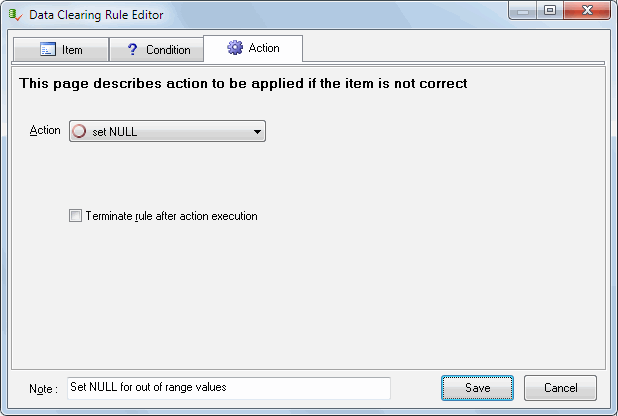
The Data Scrubbing rules describe the types of problems that can happen to data values. You can specify the action the program should perform for problem correction.
The program will perform the action for all records where field values satisfy the specified criterion.
If the rule is marked as "terminate" and its conditions are fulfilled, this field of the current record
is not checked anymore.
For example, you want to replace all empty field values with the figure 10. In this case, you should
select "Is this value empty" for checking, and specify replace as an action, with 10 as a parameter.
For most popular DBMS you can use built-in functions as parameters and in expressions.
"Not" modifier reverse the condition. For example "is null" with "not" option means "is not null".
"Ignore case sensitivity" options means the program should compare string values without case. "MAR" equals to "mar" and "Mar" as example.