There is a picture of local menu accessed by the right click on the tree item.
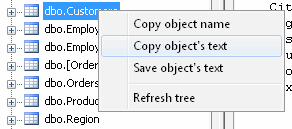
Using this menu you can:
- Copy name of the selected item onto the clipboard.
- Copy text of the selected item onto the clipboard.
- Save the text of the selected item to SQL file.
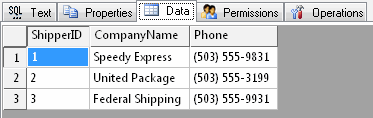
You can view the content of such objects as views (queries) and tables using "Data" tab. The program
allows you to export the data into various formats (text, SQL, HTML, XML, RTF or Microsoft Excel) from
that data grid.
Placing the mouse cursor over the column header will tell You the type of data stored
in this field.
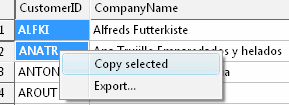
There is a picture of context menu accessed by the right click inside the data grid window.
Moreover, you can use "Operations" tab at the right pane of the program window. Using it you can:
- drop the current database item
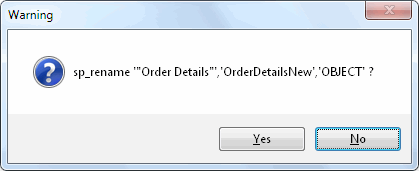
- rename object
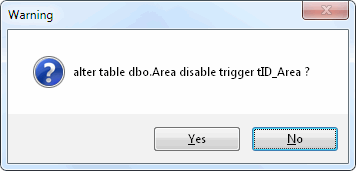
- enable or disable trigger (for Microsoft SQL Server and Oracle data sources)
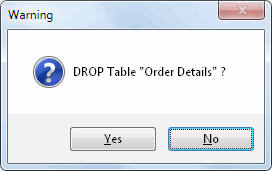
The program can remove many object types (e.g.: tables, views or triggers) by generating the corresponding DROP statement.
You can rename few types of the objects for MS SQL Server and Oracle Server.
You can enable and disable triggers for Microsoft SQL Server and Oracle Server.
See also: "objects tree"