Table of Content
Program settings
The program has some settings and options to make your work more comfortable. Don't forget to press "Ok" button in "Settings" dialog to save the settings you chose.
The most important settings are:
- Preview binary large objects (BLOBs) as text (in hexadecimal mode by default).
- "View NULL as <NULL>" option allows selecting of the visualization mode for NULL values between displaying the special sign <NULL> and just emptying the cell.
- You can turn the syntax highlighting for keywords, comments and strings (constants) on and off.
- Change the size and the font face for text view window as well as "Tab" size.
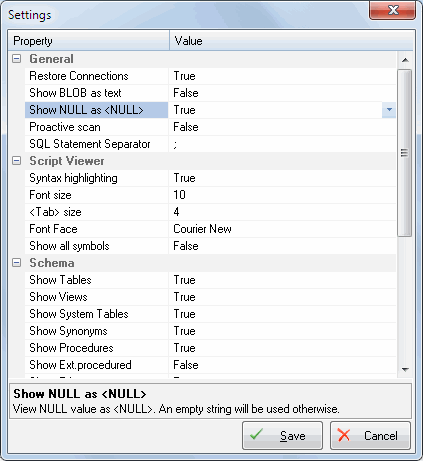
The group of options named "Schema" lets you specify types of objects you can view in the object tree. By default, "access rights", "server roles" and "extended stored procedures" are turned off.