- General Information
- Additional Information
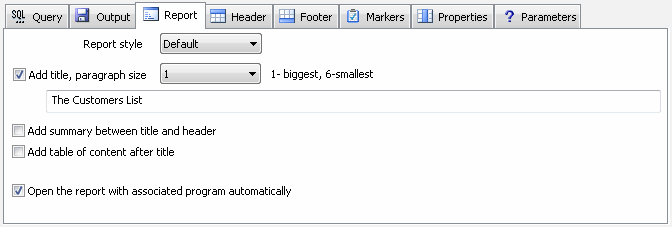
The user can select a style for HTML and CHM reports from the drop-down menu. The style is HTML file with CSS at the "tmpl" sub-folder of the product installation directory.
By default, the folder contains two temples ("Default" and "Black and White"). The user enabled to modify en existing template as well as to add new one (*.htm).
The report can contain optional title with a static text or text with macros. The user enabled to select paragraph size for the title. 1 means maximum size and 6 is minimum. For HTML output they correspond to H1 - H6 tags. The user allowed to use SQL query as a part of the title.
The reporting tool can insert optional summary to the report. There is sample summary:

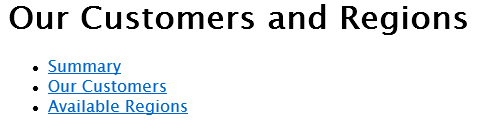
Also, the tool can add the optional table of content to the begin of the report. It is most suitable for multi-statement reports. There is a sample:
The program can open the created report with associated program automatically. Please, use the related check-box for switching this option on.
See also: product settings.