Product Home
DTM Data Modeler Online Documentation
General Information
Product Profile
Welcome
Connect
Model Properties
View Modes
How to...
Database Objects
Entity Editor
Relationships
Indexes
Triggers
Views
Procedures
Data Types
Operations
Reverse Engineering
Object Selection
Script Preview
Settings
Data Model Report
Area Management
Additional information
Notation
Hot keys
Database utilities
Licence agreement
Product ordering
Install
Uninstall
Upgrade
Support
Glossary

Table's triggers

The "Triggers" dialog box shows the list of triggers associated with the current table. You can edit their codes or add text notes to them. You can also create new triggers or remove those already existing.

You can load a trigger code from a disk file or save text to an external file.
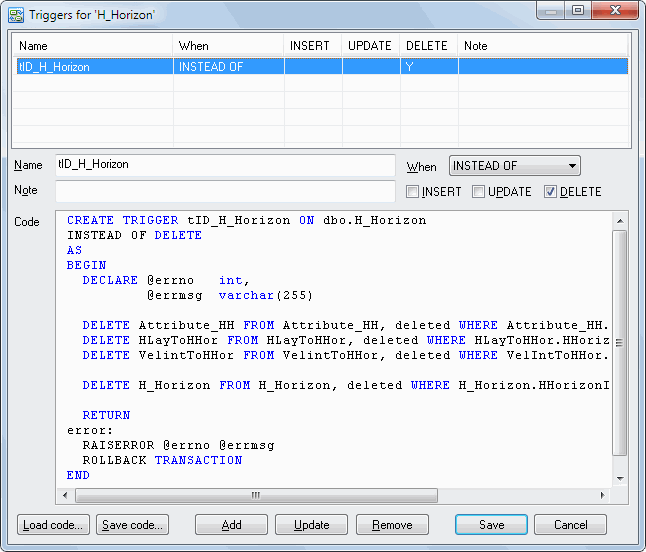
Triggers Dialog Screenshot