Table of Content
- General
- Advanced
- Additioal Information
SQL Console
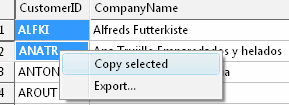
The tool has a special window where you can specify and execute any SQL statements. You can copy the results of executing a statement onto the clipboard or export it into various formats like text, SQL, HTML, XML or Microsoft Excel. Placing the mouse cursor over the column header will show the type of data stored in this field.
Important: the SQL console does not show any warning before data deletion or modifying.
Note: SQL console shows only begins of large strings. Typically you can view up to 512 first symbols.
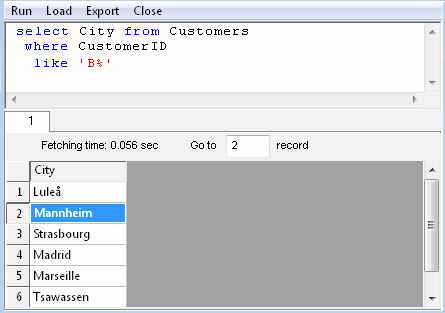
Menu item "Load" allows you to read SQL script from the external file.
There is a picture of local menu accessed by the right click inside the results window.